
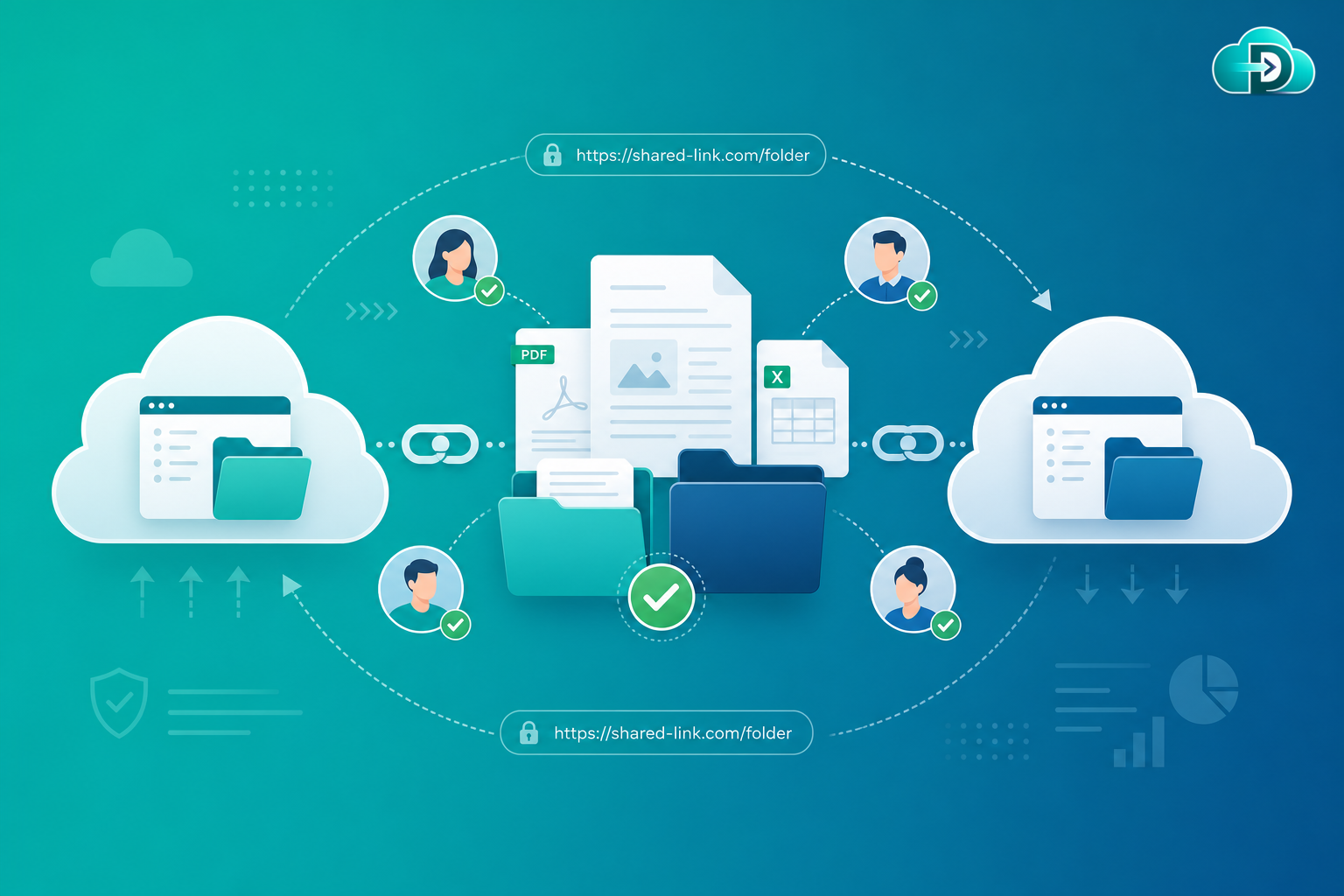
Shared link migration preserves file sharing relationships, remaps URLs, and prevents broken links when content moves between cloud platforms. Organizations keep collaboration flowing across emails, documentation, CRM systems, and internal portals without losing access.
What Is Shared Link Migration?
Shared link migration is the process of identifying, preserving, validating, and remapping shared URLs when migrating files and folders between cloud storage platforms. Organizations frequently use shared links to collaborate internally and externally.
These links may be embedded in emails, documentation, knowledge bases, CRM systems, project management tools, internal portals, and websites. When files move to a new platform, original URLs often become invalid. Shared link migration ensures users continue accessing content without interruption.
Why Shared Links Matter
Modern organizations rely heavily on shared links for collaboration. Broken links disrupt workflows that depend on direct, permission-aware access to files.
Collaborate Faster
Provide direct access to files without manually assigning permissions for every request.
Share Content Externally
Enable secure collaboration with vendors, partners, and customers through stable URLs.
Reduce Administrative Overhead
Avoid managing individual user permissions for every shared document.
Improve Productivity
Let employees quickly access commonly referenced files from bookmarks and workflows.
Common Challenges with Shared Links
Platform URL Differences
SharePoint, OneDrive, Google Drive, Box, and Dropbox each generate links differently.
Link Expiration Policies
Some organizations configure automatic expiration for shared links.
External Sharing Restrictions
Destination platforms may enforce different security and sharing policies.
Embedded References
Links are stored in multiple business systems—and depend on migrated permissions.
Risks of Broken Links After Migration
- User frustration — employees lose access to important documents.
- Customer impact — external users encounter broken URLs.
- Workflow disruption — automated processes relying on links may fail.
- Support tickets increase — IT teams spend time resolving access issues.
- Productivity loss — teams waste time locating migrated content manually.
How Data Relocate Handles Shared Link Migration
Data Relocate provides advanced shared link migration capabilities designed to minimize disruption during cloud transitions.
- Shared link discovery — automatically identifies existing shared links across files and folders.
- URL mapping — maps source URLs to corresponding destination locations.
- Link validation — checks migrated links to ensure they resolve correctly.
- Permission verification — confirms users maintain appropriate access rights.
- Reporting and auditing — generates detailed migration reports showing link preservation status.
How Data Relocate Preserves Shared Links
Shared Link Discovery
URL Remapping
Link Validation
Permission Verification
External Sharing Support
Migration Reporting
Broken Link Detection
Post-Migration Auditing
Shared Link Validation and Remapping
One of the biggest challenges in migration is ensuring old links continue working. Data Relocate helps by detecting existing links, creating new destination links, mapping old URLs to new locations, validating accessibility, and producing validation reports for administrators.
Supported Shared Link Migration Scenarios
Google Drive to OneDrive
Convert Google sharing links into Microsoft 365-compatible links.
Box to SharePoint
Preserve collaborative sharing relationships in SharePoint libraries.
Dropbox to Microsoft 365
Maintain external sharing configurations on the destination.
Tenant-to-Tenant & Cross-Cloud
Support link migration across major enterprise platforms.
Benefits of Shared Link Migration
- Reduced business disruption
- Improved user experience without manual link redistribution
- Faster adoption on the new platform
- Better collaboration through preserved sharing relationships
- Lower IT workload and fewer post-migration support requests
Combine shared link migration with permission preservation, metadata preservation, and delta migration for a complete cutover strategy.
Best Practices for Shared Link Migration
- Inventory existing links — identify high-value shared content before migration.
- Review sharing policies — ensure destination platform policies support required collaboration.
- Migrate permissions first — links depend on access rights.
- Test critical links — validate business-critical content before full migration.
- Conduct post-migration audits — verify all important links remain functional.
- Communicate changes — inform users about any necessary updates to shared URLs.
Frequently Asked Questions
Can Data Relocate migrate shared links automatically?
Yes. Data Relocate can discover, validate, and remap supported shared links during migration.
Will old links continue working after migration?
This depends on source and destination platform capabilities. Data Relocate minimizes disruption by mapping links where possible and generating replacement URLs when necessary.
Are external sharing links preserved?
Supported external sharing configurations can be migrated and validated where platform APIs allow.
Can broken links be detected after migration?
Yes. Data Relocate provides validation reports that identify potential issues requiring attention.
Does shared link migration improve user adoption?
Absolutely. Preserving familiar access paths significantly reduces user confusion after migration.
Conclusion
Shared links are a critical component of modern collaboration. Organizations often depend on thousands of URLs embedded across emails, applications, documentation, and workflows.
Without proper shared link migration, these connections can break, creating productivity challenges and support burdens. Data Relocate shared link migration capabilities help organizations preserve collaboration, validate accessibility, and ensure users continue accessing content seamlessly after migration.
Related Articles
- Permission Preservation: Maintaining Secure Access During Cloud Data Migration
- Metadata Preservation: Protecting Critical File Information During Cloud Migration
- Version History Migration: Preserving Every Change During Cloud Migration
- Delta Migration: The Smart Way to Migrate Data with Minimal Downtime
- Data Relocate Migration Services