
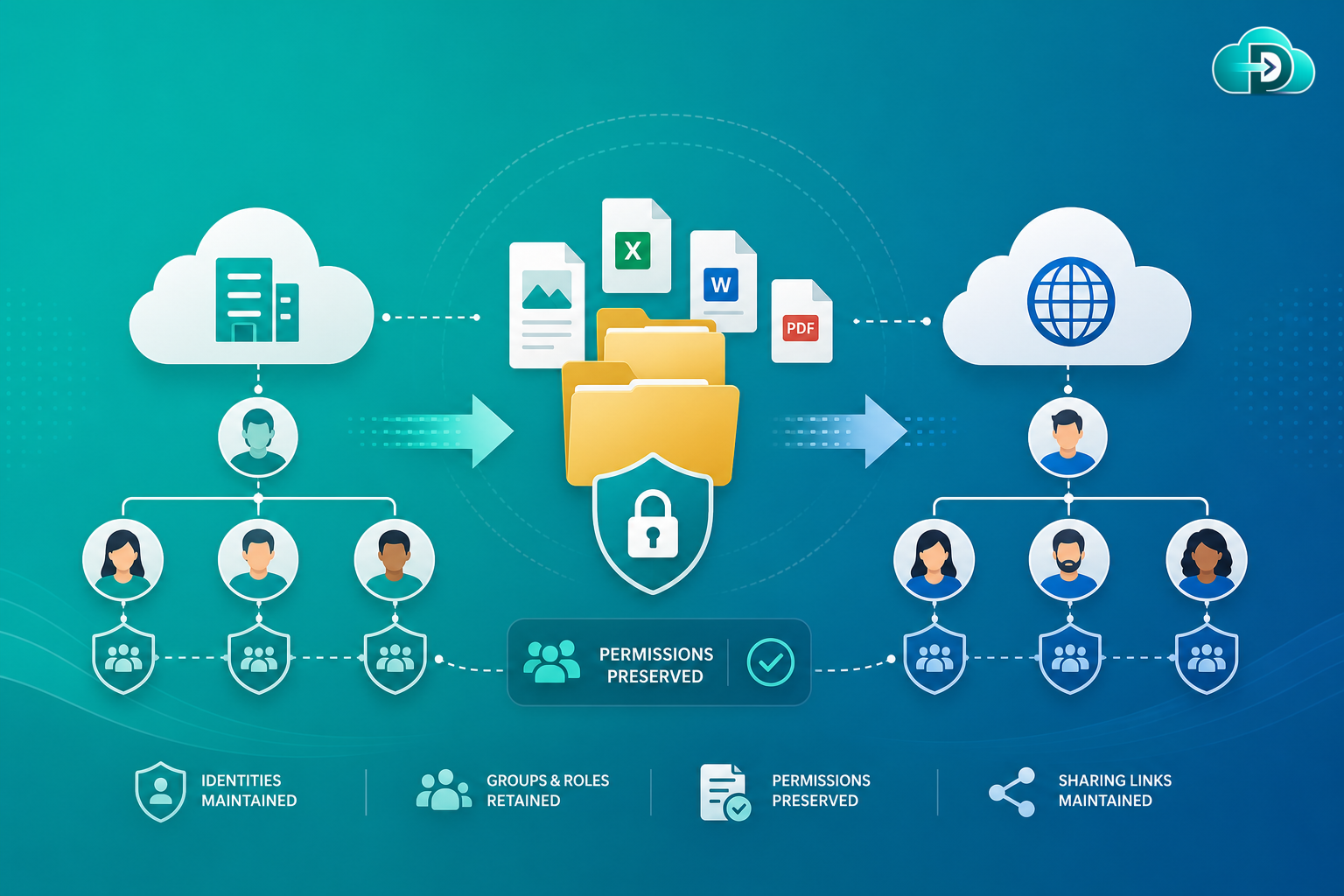
Permission preservation ensures users, groups, sharing settings, and role-based access controls remain intact when content moves between cloud platforms. A successful migration transfers both the files and the security model that protects them.
What Is Permission Preservation?
Permission preservation is the process of maintaining user access rights, group memberships, sharing settings, and security permissions when migrating data between cloud platforms. While moving files and folders is important, organizations must also ensure that the right people continue to have access to the right content after migration.
Without proper permission preservation, users may lose access to business-critical information or gain unauthorized access to sensitive data. A successful migration transfers both the content and the security model associated with that content.
Why Permissions Matter
Permissions are a core part of every organization’s security strategy. They determine who can view files, edit documents, share content, manage folders, and administer workspaces.
Security
Prevent unauthorized access to sensitive information across sites, libraries, and shared drives.
Compliance
Meet regulatory requirements and governance standards with accurate access controls.
Productivity
Ensure employees can continue working without disruption after cutover.
Business Continuity
Avoid delays caused by access issues and permission rework after migration.
Types of Permissions That Must Be Migrated
User Permissions
Group Permissions
Role-Based Access (RBAC)
Folder-Level Permissions
File-Level Permissions
Sharing Permissions
Administrative Permissions
Guest User Access
Common Permission Migration Challenges
Different Permission Models
SharePoint inheritance, Google Drive sharing, Box collaboration, and Dropbox team structures all differ.
User Mapping Complexity
Source users must be accurately mapped to destination accounts and identities.
Group Membership Changes
Security groups often differ between source and destination environments.
External Sharing & Scale
Platform sharing features vary, and enterprises may contain millions of permission entries.
Risks of Losing Permissions During Migration
- Security risks — sensitive files may become accessible to unauthorized users.
- Productivity loss — employees may lose access to critical business content.
- Compliance violations — incorrect permissions can create audit and regulatory concerns.
- Support overload — IT teams face a surge in access requests after poorly planned migrations.
- Business disruption — workflows stop functioning if users lose required permissions.
How Data Relocate Preserves Permissions
Data Relocate provides advanced permission migration capabilities designed for enterprise-scale projects across SharePoint, OneDrive, Google Drive, Box, Dropbox, and Microsoft 365 tenants.
- User mapping — automatically maps source users to destination accounts.
- Group preservation — migrates security groups and associated permissions.
- Folder and file permissions — maintains inherited and unique permissions across content structures.
- External sharing support — preserves supported external collaboration settings.
- Role-based access mapping — converts permission models between platforms where necessary.
- Validation reporting — provides detailed reports verifying permission migration success.
Supported Permission Migration Scenarios
SharePoint to SharePoint
Maintain site permissions, library permissions, and group memberships.
Google Drive to OneDrive
Transfer sharing settings and ownership relationships into Microsoft 365.
Box to SharePoint
Map collaborators and folder access permissions into SharePoint libraries.
Tenant-to-Tenant M365
Retain user access and security configurations during organizational changes.
Benefits of Permission Preservation
- Stronger security throughout migration
- Seamless user experience without permission-related interruptions
- Reduced IT workload and fewer post-migration support requests
- Faster adoption as employees immediately access migrated content
- Regulatory compliance and maintained governance requirements
Pair permission preservation with metadata preservation, version history migration, and delta migration for a complete enterprise cutover plan.
Best Practices for Permission Migration
- Audit existing permissions — identify unnecessary or outdated access before migration.
- Clean up legacy access — remove inactive users and unused groups.
- Define user mapping rules — ensure source users map correctly to destination accounts.
- Test permission migration — validate access controls using pilot migrations.
- Perform post-migration verification — confirm permissions match source environments.
- Review external sharing policies — align sharing with destination platform policies.
Frequently Asked Questions
Can Data Relocate migrate folder-level permissions?
Yes. Folder-level and inherited permissions are preserved whenever supported by the destination platform.
Are user permissions migrated automatically?
Yes. Data Relocate maps users and transfers permissions based on configured migration settings.
Can external sharing permissions be preserved?
Supported external sharing settings can be migrated where APIs and destination platforms allow.
What happens if a user does not exist in the destination?
Data Relocate provides user mapping and reporting to help administrators resolve missing accounts before cutover.
Does permission migration affect security?
Permission preservation is specifically designed to maintain security controls and prevent unauthorized access during and after migration.
Conclusion
Permissions are one of the most critical components of any successful cloud migration. Files and folders are valuable, but ensuring the right people maintain the right level of access is equally important.
Without proper permission preservation, organizations risk security issues, compliance violations, and user productivity challenges. Data Relocate permission preservation capabilities ensure that access controls, sharing settings, group memberships, and security structures remain intact throughout the migration process.