
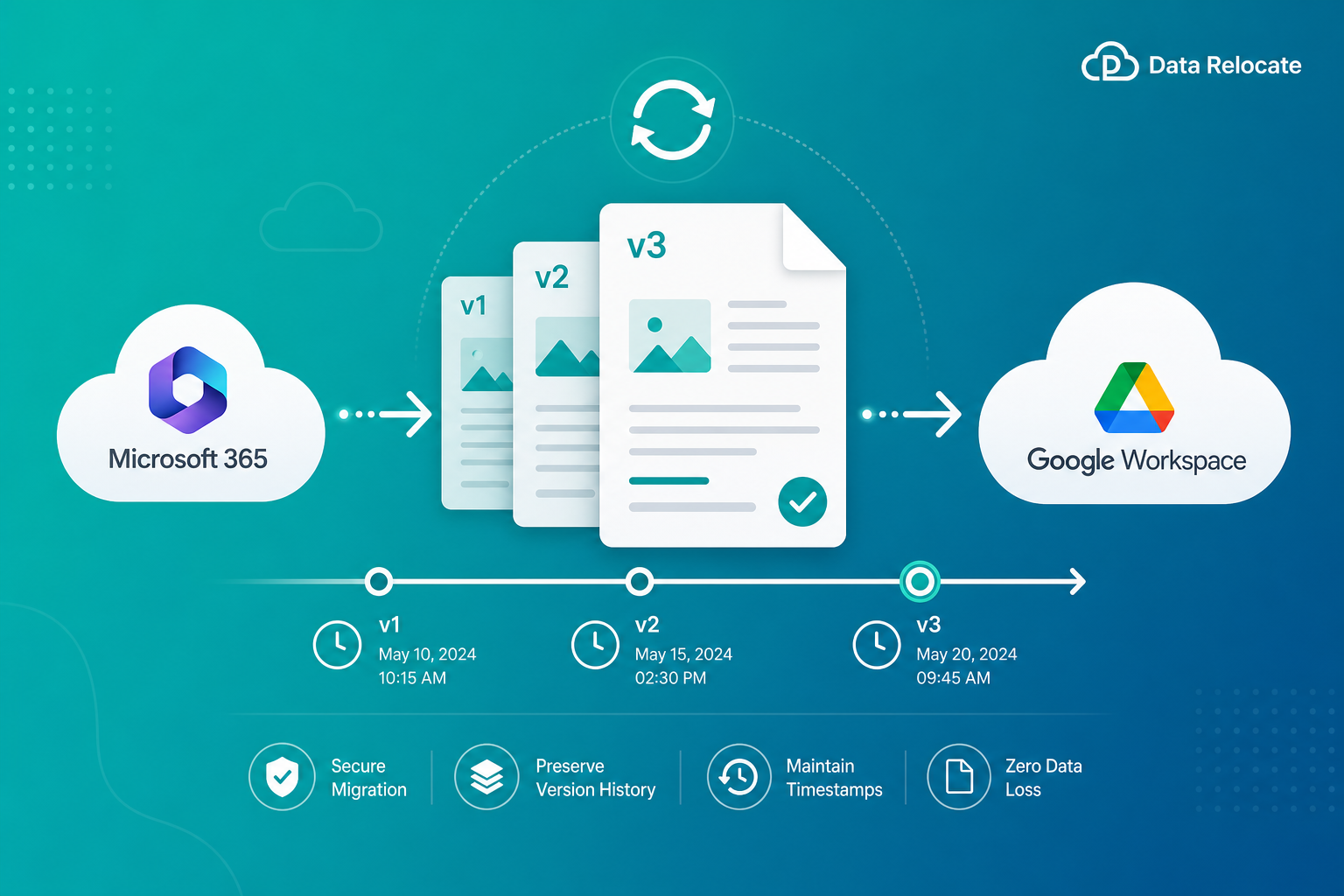
Version history migration ensures that every file revision, audit trail, and document change is retained when moving content between cloud platforms. Organizations maintain compliance, improve collaboration, and avoid losing critical historical information when revisions transfer with the latest file.
What Is Version History Migration?
Version history migration refers to transferring all historical versions of documents and files from one platform to another while preserving the complete revision timeline. Rather than migrating only the latest file version, organizations retain previous revisions, modification timestamps, author information, audit history, version comments, and file restoration points.
This approach ensures business continuity and compliance after migration—especially for regulated industries and teams that depend on document intelligence over time.
- Previous revisions
- Modification timestamps
- Author information
- Audit history
- Version comments
- File restoration points
Why Version History Matters
Many organizations rely on version history for daily operations, governance, and risk management. Losing revisions during a cloud migration can create compliance gaps and disrupt how teams work.
Maintain Compliance
Healthcare, finance, and government sectors often require detailed document retention records and auditable change logs.
Recover Information
Teams frequently restore earlier document versions after accidental edits, deletions, or overwritten content.
Preserve Audit Trails
Version histories show who modified files and when changes occurred—critical for investigations and governance.
Support Collaboration
Employees review document evolution to understand decisions, approvals, and project context.
Challenges of Migrating Version Histories
Migrating file versions is more complex than transferring standard files. Each cloud platform stores revisions differently, and API limits can affect what metadata is available.
Platform Differences
Every cloud platform stores versions with different structures, limits, and naming conventions.
Metadata Preservation
Version timestamps, authors, and ownership must remain accurate on the destination.
Large Storage Consumption
Historical versions can significantly increase migration volume and project timelines.
API Limitations
Some providers restrict access to full version history or related metadata through their APIs.
Supported Migration Platforms
Data Relocate supports version history migration across major cloud platforms. The platform automatically maps version metadata wherever supported by destination systems.
Microsoft OneDrive
Microsoft SharePoint Online
Google Drive
Google Shared Drives
Dropbox Business
Box
Egnyte
Azure Storage
Amazon S3
Explore Data Relocate migration services for content platforms and enterprise storage targets.
Benefits of Preserving File Versions
- Complete business continuity — users access all previous revisions after migration.
- Better compliance — meet legal and regulatory retention requirements.
- Improved user adoption — employees keep familiar document histories on the new platform.
- Reduced risk — no loss of critical document intelligence or institutional knowledge.
- Enhanced auditing — maintain a complete record of document changes over time.
How Data Relocate Handles Version History Migration
Data Relocate provides enterprise-grade version preservation capabilities designed for large libraries, complex permissions, and multi-platform cutovers.
Full Version Retention
Historical versions migrate alongside current documents so teams retain the full revision stack—not just the latest copy.
Metadata Preservation
- Created date
- Modified date
- Version numbers
- Authors
- File ownership
Incremental Migration Support
Delta and incremental passes transfer only changed content during subsequent migration runs, including new versions created while coexistence continues.
Large-Scale Processing
Optimized performance supports millions of files and versions across enterprise tenants and shared libraries.
Detailed Reporting
Complete migration logs and validation reports help IT teams verify version counts, errors, and remediation actions before cutover.
Pair version history migration with delta migration and pre-migration reports for a phased, low-risk program.
Best Practices for Version History Migration
- Assess storage requirements — historical versions can significantly increase migration size.
- Review retention policies — remove unnecessary legacy versions before migration when policy allows.
- Perform pilot migrations — validate version mapping on a small dataset first.
- Verify permissions — ensure migration accounts have access to version history APIs.
- Conduct post-migration validation — compare source and destination version counts.
Frequently Asked Questions
Does Data Relocate migrate all document versions?
Yes. Data Relocate can migrate complete version histories where supported by source and destination platforms.
Can version comments be migrated?
Supported platforms allow migration of version-related metadata and comments when APIs provide access.
Will timestamps remain unchanged?
Yes. Created and modified dates are preserved whenever destination systems support them.
Does version history increase migration time?
Yes. More historical versions result in additional data transfer and processing. Planning storage and scheduling delta passes helps manage timelines.
Can I migrate only recent versions?
Yes. Data Relocate can be configured to migrate selected versions based on business requirements and retention policies.
Conclusion
Version history represents valuable organizational knowledge that should never be lost during cloud migrations. Preserving document revisions, audit trails, and historical records helps organizations maintain compliance, improve collaboration, and reduce migration risks.
With Data Relocate advanced version history migration capabilities, businesses can confidently move data between cloud platforms while ensuring every important revision remains intact.