
Migrate your organization's content from Box to OneDrive for Business with Data Relocate by transferring large volumes of files and folders securely while maintaining user permissions, ownership, file versions, sharing settings, and collaboration metadata.
Ensure business continuity with automated workflows, detailed reporting, and enterprise-grade security throughout the migration process.
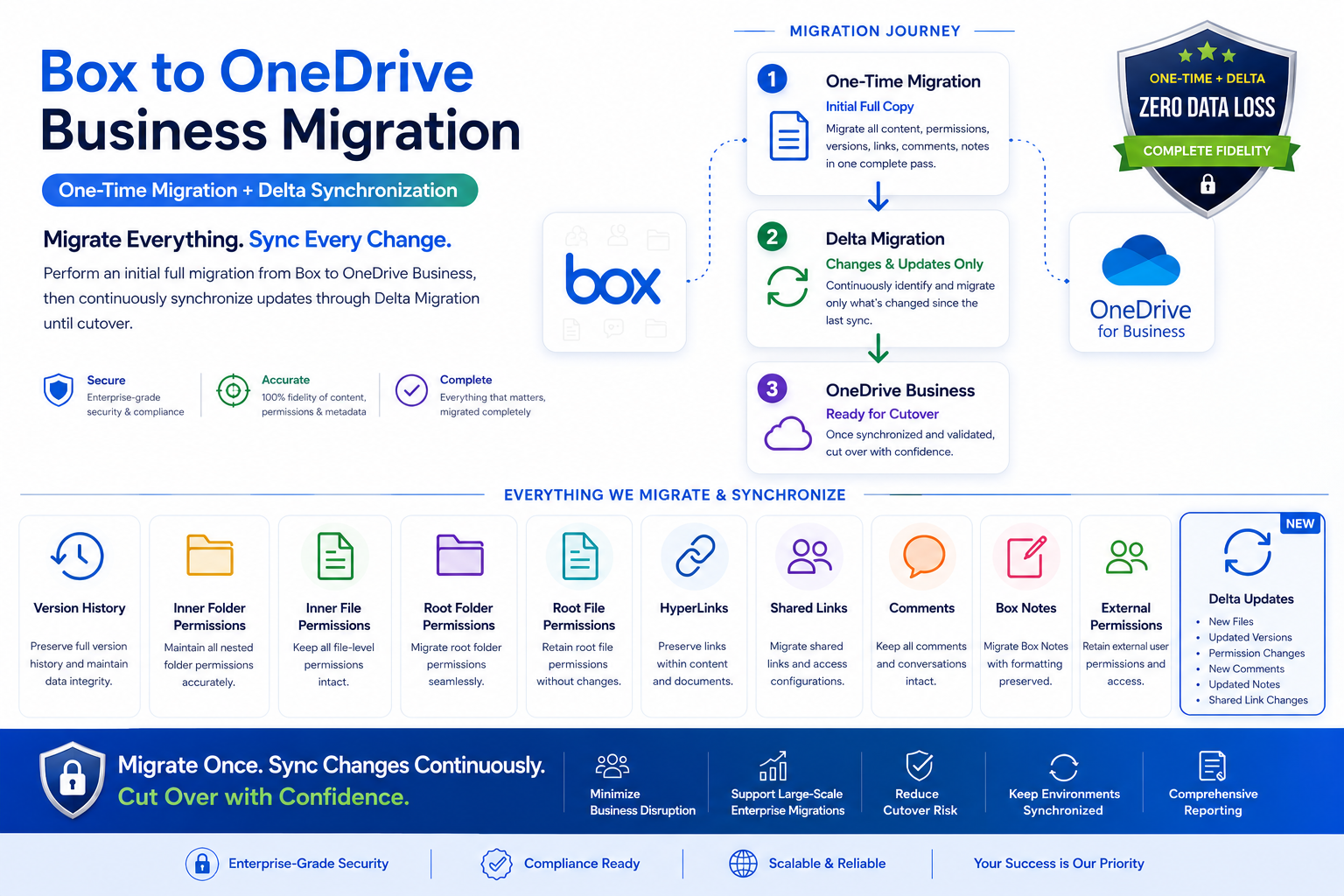
One-Time Migration
Initial full copy includes:
- Files, folders, and version history
- Folder and file permissions
- Shared links and hyperlinks
- Comments, Box Notes, and external permissions
Delta Migration
Delta syncs move only what changed:
- New and updated files
- Permission and sharing changes
- Comments, Box Notes, and link updates
Preserve everything that matters
- File Version History — Preserves and migrates all historic versions of a file.
- Sub-folder Permissions — Migrates access permissions applied to nested sub-folders.
- File-level Permissions — Migrates granular permissions set on files inside folders.
- Root Folder Permissions — Migrates the permission on the top-level root folder.
- Root File Permissions — Migrates permissions for files under the root folder.
- Document Hyperlinks — Migrates embedded hyperlinks inside documents.
- Private / Public Links — Migrates shared link settings for files and folders.
- File Comments — Migrates user comments made on files.
- External Collaborator Permissions — Migrates external user sharing permissions.
- File & Folder Metadata — Migrates timestamps, authorship, tags, and classification labels.
- Box Notes Content — Migrates Box Notes documents and annotations.
Benefits
- Minimize business disruption
- Reduce cutover risk
- Keep environments synchronized
- Enterprise-grade security and reporting
Migrate once, sync changes, and cut over with confidence.